Murmur.
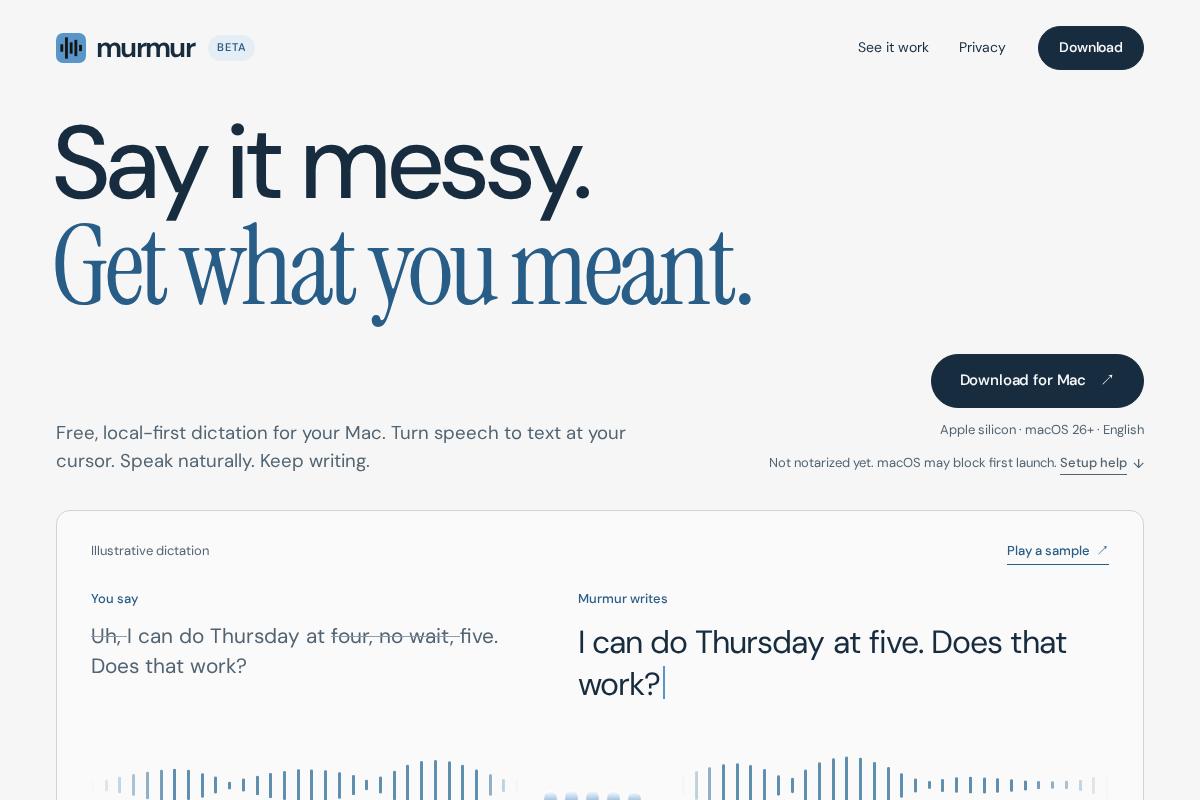
Speak, and the text lands where you're typing.
A local-first dictation app for macOS. Hold a global shortcut, speak, and let go.
Swift / FluidAudio / Core MLFrom shortcut to typed text
- CaptureGlobal shortcutHold, speak, release
- Process locallyTranscribe & clean upParakeet / FluidAudio / Core MLOptional branch
Cloud transcription or cleanup.
Your provider, explicitly configured. - InsertFocused fieldKeep writing in the current app
It types into
the app you're in.
You don't dictate into a separate window and copy the text over.
It can remove filler words, apply spoken corrections and format lists, and you can turn each of these on or off.
Project documentationAvailable as a beta.
It needs an Apple silicon Mac on macOS 26 or later, and Apple hasn't notarized it yet. Install steps and privacy details are on the project site.